 RED E CHARGE
The Red E EV Driver Guide
Everything you need to charge with Red E, from finding your first charger to plug-and-charge with Red E Go. 1,500+ stations, open 24/7, no membership required.
Why Charge With Red E?

National Coverage
1,500+ charging stations across 46 states, on highways, in cities, and at hotels, dealerships, and retail locations.
Fast and Reliable Charging
Level 2 AC and DC fast charging available across the network, with speeds up to 640 kW at select locations.
Real-Time Updates
Live charger availability and status in the Red E app, know before you go.

Easy Navigation
Use the Red E app or our interactive map to find the nearest available charger and get directions instantly.
What's in This Guide
- 01Charging basicsLevel 2, DC fast charging and connectors
- 02Get the app & find a chargerDownload the app and find stations near you
- 03Start a sessionPick a charger, plug in and start
- 04Red E GoPlug in and charging starts on its own
- 05Pricing & paymentSee the price first, pay your way
- 06Tips & etiquetteCharge smarter and keep stations free
- 07TroubleshootingQuick fixes for common issues
- 08FAQAnswers to common driver questions
EV Charging Basics

Level 2 (AC) charging
Ideal when you'll be parked for a while, at hotels, workplaces, and shopping centers. Typically adds about 20 to 30 miles of range per hour.
DC fast charging
Built for road trips and quick stops. Many EVs can add 100+ miles in 20 to 30 minutes, depending on the vehicle and charger power.
Connector types
Red E stations offer J1772 for Level 2, and CCS, CHAdeMO, and NACS for DC fast charging, depending on the location. Check each charger in the app.
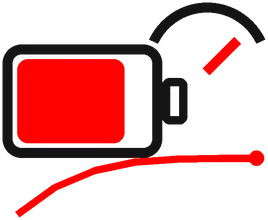
Charging speed varies
Your car decides how fast it can charge. Speed also slows as the battery fills, especially above 80%.
Get the Red E App and Find a Charger
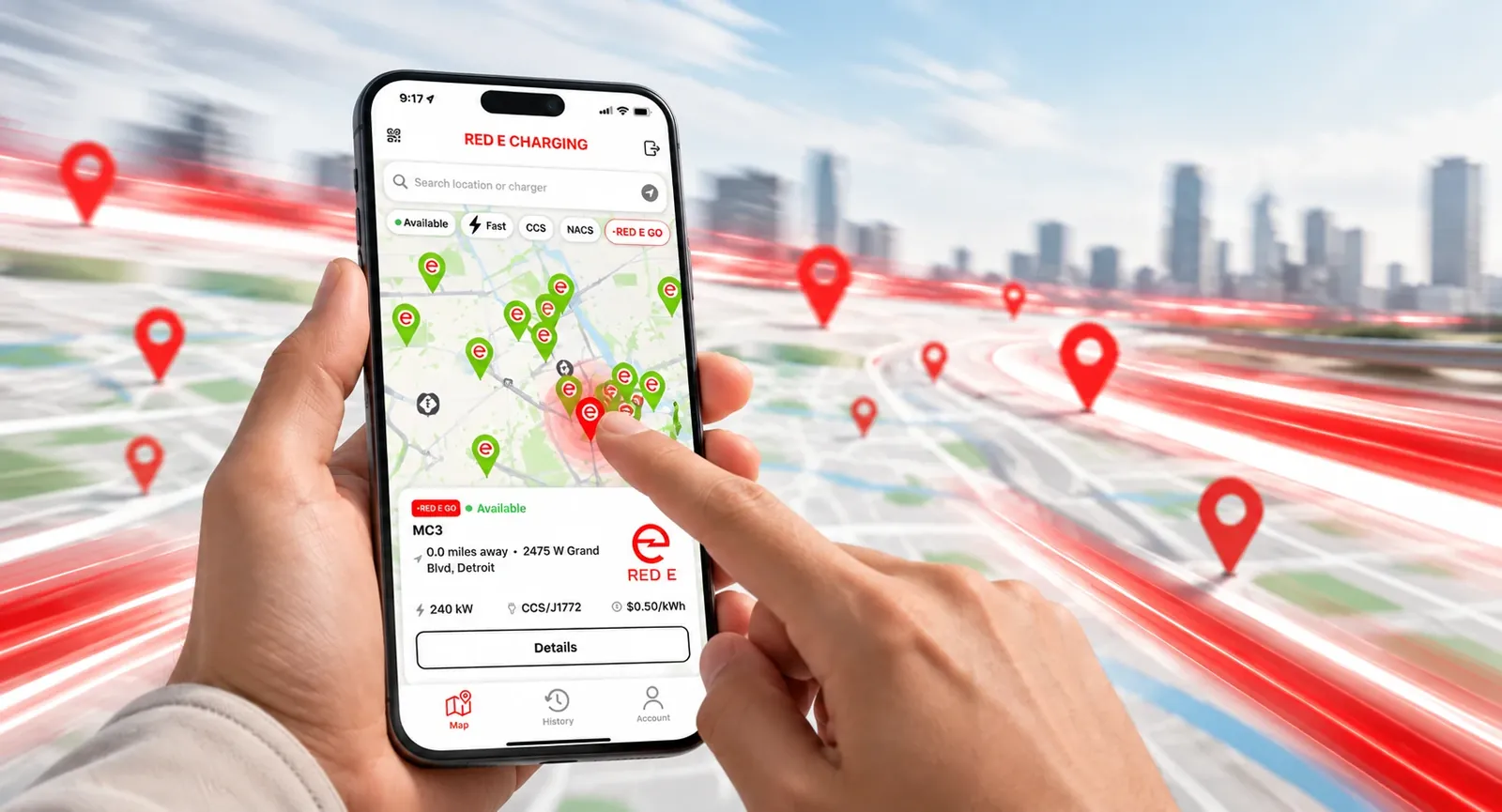
Start by downloading the free Red E app for iPhone or Android and creating your account. Add your vehicle and a payment method once, and you're ready to charge anywhere on the network. Then open the map to find stations near you or along your route. Filter by Available, Fast (DC), connector type such as CCS or NACS, or RED E GO to see only plug-and-charge stations. Tap a station to see its chargers, power, live availability, and price before you drive there.
Start a Charging Session
1. Pick your charger
In the app, open the station and select the charger by its ID, shown on the charger itself.
2. Choose a connector
Select an available connector that fits your vehicle and check the pricing shown.
3. Plug in and start
Plug in your car, then tap Confirm & Start. Charging begins within a few moments.
4. Follow and stop
Watch energy delivered, time, and estimated cost live in the app. Tap Stop Charging when you're done, or let it finish.
Skip the Steps with Red E Go
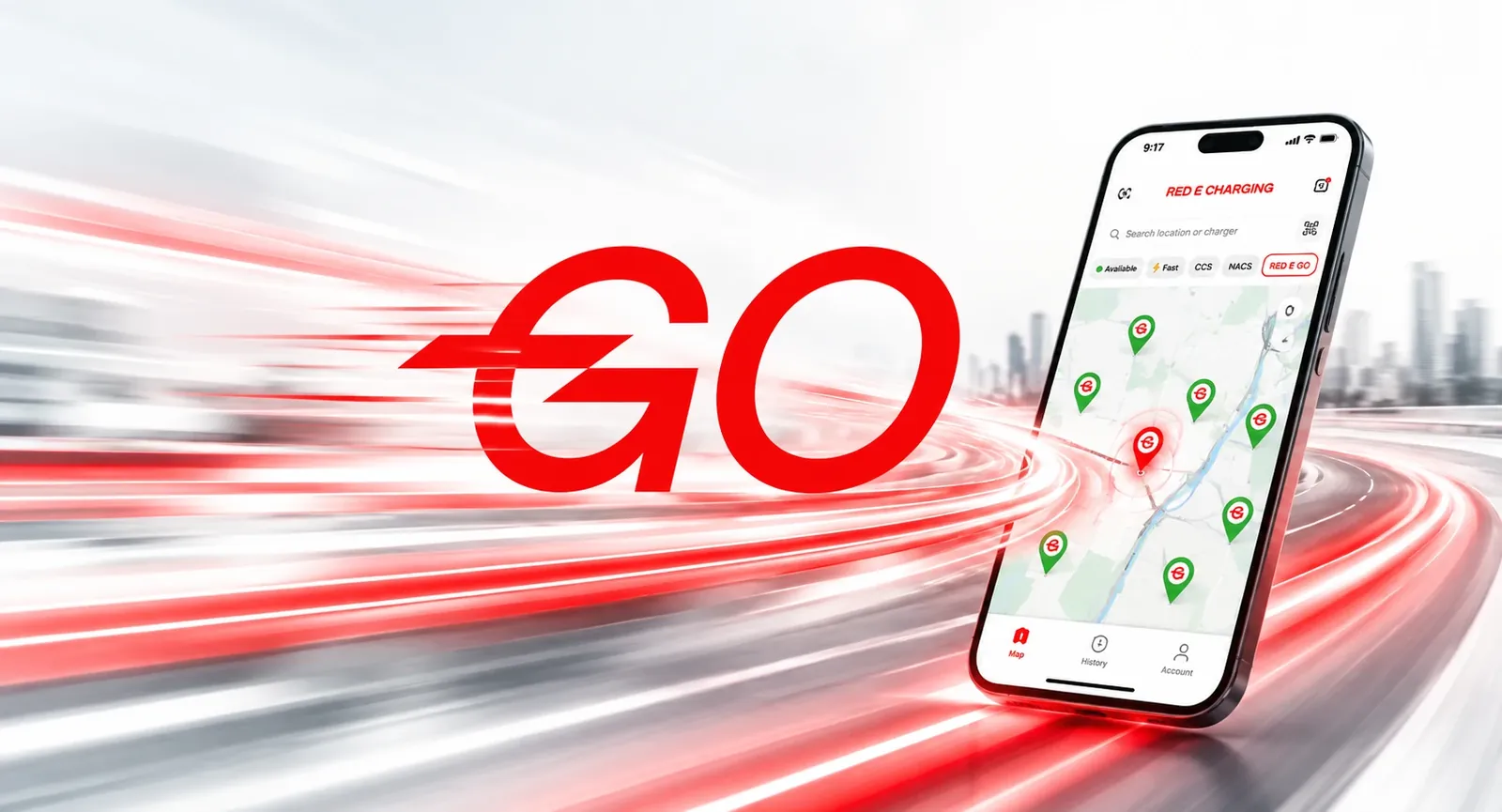
Register once
Add your vehicle and payment method in the Red E app. It takes about two minutes and it's free.
Plug in and go
At any Red E Go enabled charger, just plug in. Your car is recognized and charging starts on its own.
No app, card, or QR code
Payment is handled automatically with your saved card. Nothing to tap at the charger.
Find Red E Go stations
Turn on the RED E GO filter in the app map to see every station that supports it.
Pricing and Payment
See the price first
Each charger shows its pricing in the app before you start, such as a session fee, a price per kWh, and tax.
Temporary authorization hold
When you start, a temporary hold (for example $50) may be placed on your card. You're only billed for the charging you use.
Pay your way
Credit and debit cards and digital wallets are accepted in the app. No membership or subscription required.
Track your sessions
Open the History tab in the app to review your past charging sessions.
Charging Tips and Etiquette
Move when you're done
Others may be waiting. Unplug and move your car as soon as your session ends.
Stop at 80% on fast chargers
DC charging slows sharply above 80%. Stopping there saves you time and frees the charger for the next driver.
Check before you go
Confirm live availability and connector type in the app before you drive to a station.
Leave it tidy
Return the connector to its holster and keep the cable off the ground.
Plan for the weather
Cold batteries charge slower. If your EV can precondition its battery, use it before arriving at a fast charger.
Report problems
If a charger isn't working, let us know so we can fix it fast and keep the network reliable.
Troubleshooting
Charging won't start
Make sure the connector is fully seated and locked, then try again in the app. If it still won't start, try another connector or call 1-313-262-6722.
Payment declined
Check that your card details are current in the app, or add a different payment method, then restart the session.
Session stopped early
Your car may have reached its charge limit, or the connector may have moved. Check your vehicle's settings and the app, then restart if needed.
Red E Go didn't start
Confirm the station is Red E Go enabled and your payment method is valid. You can always start the session from the app instead.
Can't find a station
Refresh the map and clear filters. Stations may be temporarily hidden while offline for maintenance.
Still need help?
Our team is available 24/7 at 1-313-262-6722 or support@redecharge.com.
EV Driver FAQs
Do I need a membership to charge with Red E?
What EV connectors does Red E support?
How fast are Red E chargers?
How do I find a Red E charger near me?
Is Red E available 24 hours?
Can I charge any EV at Red E?
Do I pay for Red E Go registration?
Where can I see my past sessions and receipts?
24/7 Driver Support
Stuck at a charger or have a question about a session? Our Detroit-based team is available 24 hours a day, 7 days a week. Call 1-313-262-6722 or email support@redecharge.com. Have the station name or charger ID ready, it's shown on the charger and in the app.
Ready to Charge?
Download the free Red E app to find chargers, start sessions, and set up Red E Go.